
Quick To-Do List
- BehavioralTell me about yourself
- System DesignDesign a URL shortener
Real-time transcription, Analyze Screen for coding prompts, and role-aware answers with ChatGPT, Claude, Gemini, or Grok — built for high-stakes interviews.
Interview readiness this week
Pinned
Walk me through your recent project.
Structured STAR answer ready to paste.
Can I share my screen for the diagram?
Trusted by candidates interviewing with





Advanced transcription is the core, with fast response generation, coding support, and private browser workflows layered on top.
Capture live calls transcription tuned for interview pace.
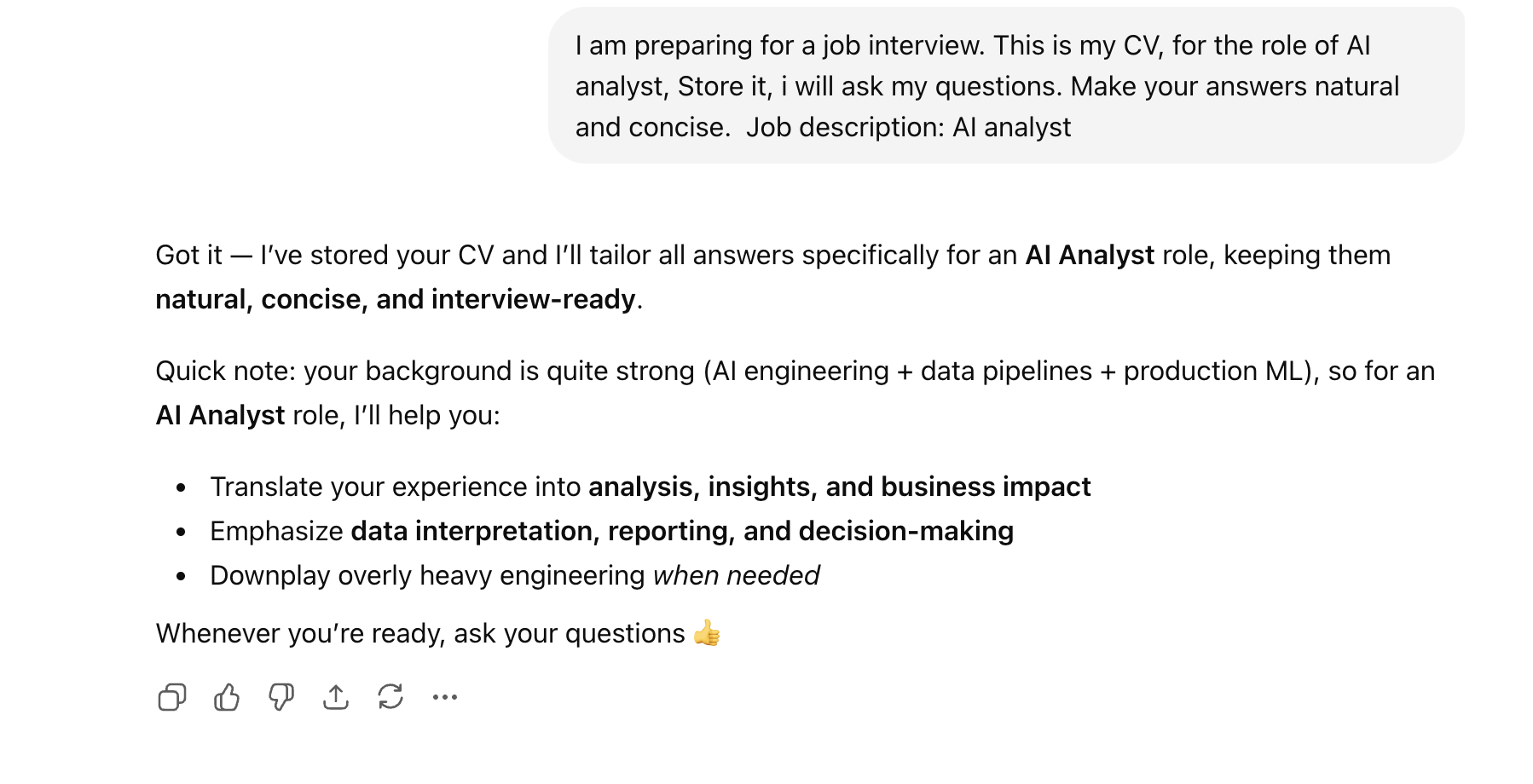
Generate strong, role-specific answers grounded in your CV and interview context.
Get instant answers to live coding problems shown on screen.
AceIt stands out for interview-specific workflows. It offers an unparalleled experience with a user-friendly browser interface and reliable real-time performance.
Effortlessly capture questions, generate answers, and stay organized through every round with real-time updates and intuitive controls.
With user-friendly interfaces and intuitive dashboards, track transcription, prompts, and responses effortlessly during live calls.
Stay informed, stay organized, and keep your interview prep on track with post-session review and grounded answer history.
Your subscriptions — one interview browser
From setup to post-call review — one workflow designed for real interviews and real pressure.
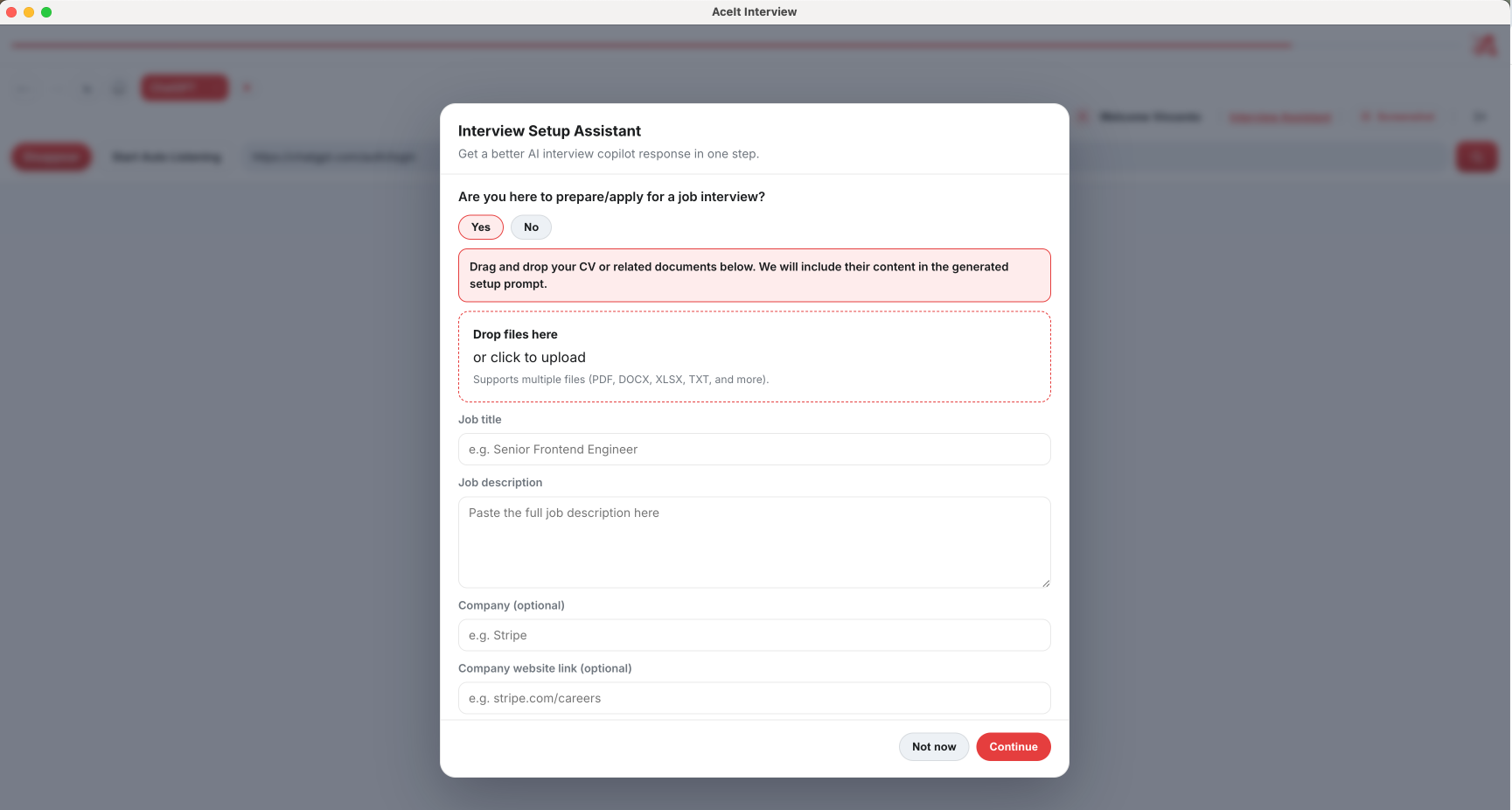
Upload your CV, set role and company, and attach interview resources so answers stay grounded in your background.
These features collectively provide a comprehensive platform for candidates to effectively prepare, execute, and succeed in any interviews.
Automatically transcribes live interview calls, combining text seamlessly so you always get clean, accurate notes as people speak.
Builds tailored interview answers around your real experience, the job details, and what you need to prove in the interview.
It takes screenshots during interviews, fills in the questions automatically, and submits them for you.
Built-in privacy controls made specifically for live interviews like going incognito, and hiding sensitive info while sharing your screen
Use your existing ChatGPT, Claude, Gemini, and Grok subscriptions directly inside AceIt Browser for a smooth experience.
These testimonials reflect real experiences candidates have with AceIt during live behavioral and coding interviews.
“After trying different prep tools, AceIt is the one that actually fits live interviews. Real-time transcription changed how I respond under pressure.”
“Using my existing Claude subscription inside AceIt Browser made the transition seamless. Screenshot assist during coding interviews is a game-changer.”
“The role-aware answers grounded in my CV feel natural, not generic. I landed two onsite rounds after switching to AceIt.”
“Stealth mode and browser controls gave me confidence on screen-share calls. Highly recommend for anyone interviewing at FAANG.”
Explore articles on interviews, hiring, algorithms, and breaking into your dream job.
Straightforward details about how AceIt fits with your AI subscriptions, plans, and interview workflow.
AceIt is built to work with the AI hosts you already use. You keep logging into your existing accounts inside AceIt Browser—we add interview-focused capture, routing, and workflow on top. Your AceIt plan covers orchestration and app features; it does not replace a paid model subscription where the host requires one.
Both plans include the core interview browser experience. Pro unlocks higher limits and advanced capabilities (for example, more concurrent interview tabs, richer automation, and premium assist features). Exact entitlements and prices are always shown on the Pricing page, powered by Stripe.
After you verify your email, new accounts can receive a full Pro-feature trial for a limited time so you can stress-test the workflow before subscribing. When the trial ends, you can choose Starter, Pro, or continue on a free Starter path where available.
AceIt runs as a desktop browser, so it works with common interview stacks—Zoom, Google Meet, Microsoft Teams, Webex, Amazon Chime, and popular coding assessment sites like HackerRank and LeetCode. You stay in the same flow your interviewer expects.
You can upload your CV and supporting files so generated suggestions align with your real roles, projects, and wording. That context is used to make responses more relevant to the job you are interviewing for—not generic filler.
Subscriptions are handled securely through Stripe with monthly and annual options for Starter and Pro. You can review live prices, compare plans, and subscribe from the Pricing page or inside the desktop app.
No. AceIt is a real-time Assistant for execution under pressure: transcription, quick structuring, and help grounded in your background. You should still study algorithms, system design, and behavioral stories—we do not claim to replace that preparation.
Get the download link sent to your inbox so you can install AceIt when you have a moment.