Why “interview AI” search intent matters
People searching for interview AI are usually past the curiosity phase. They have a loop scheduled, a take-home due, or a final round tomorrow. They want software that helps during the interview — not a blog post about whether AI is ethical.
AceIt matches that intent. It is interview AI you run locally in a desktop browser: capture prompts, send screenshots, and generate structured responses using the models you already trust.
The product stays honest about boundaries. It assists execution; it does not fabricate experience or take tests for you. Used well, interview AI is a thinking partner that reduces blank-screen moments when stress is highest.
Core interview AI capabilities in AceIt
Real-time dictation tuned for interview pace turns spoken questions into text you can refine before submitting to your AI host. That matters when interviewers stack follow-ups faster than you can type.
Screenshot analysis — labeled Analyze Screen in interview mode — pulls coding problems, architecture diagrams, or slide bullets into the same conversation thread. You avoid retyping long prompts while the interviewer waits.
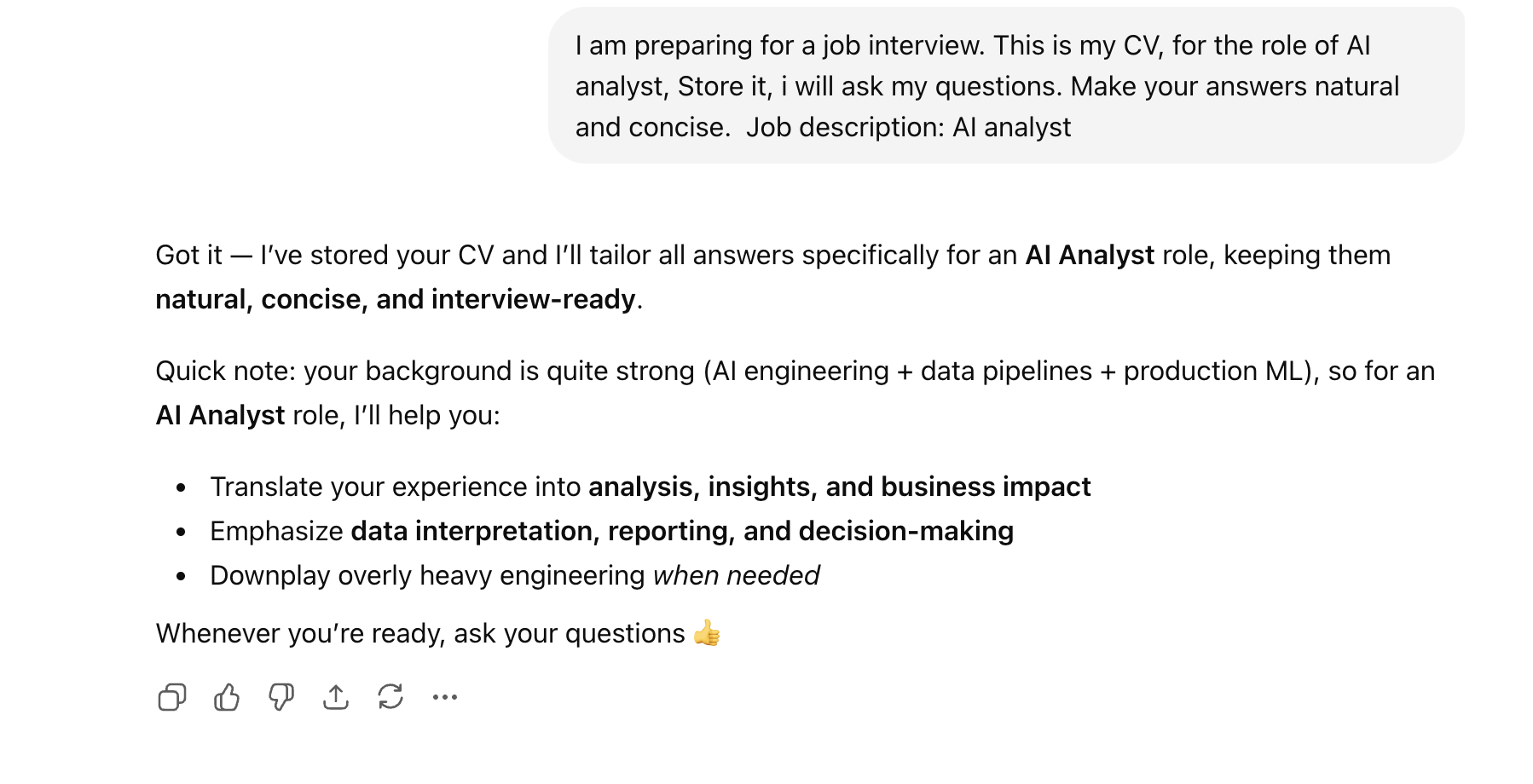
Role-aware context from your CV and job description keeps answers aligned with your background. Generic interview AI tends to sound polished but hollow; grounded context helps you stay credible.
Interview AI with the models you already use
Vendor lock-in is a common frustration with AI interview tools. AceIt deliberately supports ChatGPT, Claude, Gemini, and Grok inside one browser shell so you are not paying twice for model access.
Your AceIt subscription covers orchestration: transcription, screenshot routing, interview mode, stealth controls, and session management. Model usage stays on the accounts you control.
That architecture also future-proofs your workflow. When a host releases a better model, you switch inside the same interview browser instead of migrating to another app.
Getting started with interview AI
Download AceIt for macOS or Windows, create an account, and sign into your preferred AI host in the interview browser tab. Upload your CV and set role context in Interview Assistant if you are on a plan that includes it.
Run a dry rehearsal: open a practice question, toggle dictation, and capture a sample screenshot. Learn the toolbar before you are live on a call.
When you are ready, enter interview mode to simplify controls and label the screenshot action as Analyze Screen — a small UX detail that keeps you focused on the conversation.
Frequently asked questions
What is interview AI in AceIt?
Interview AI in AceIt means live capture (dictation and screenshots) plus AI-generated suggestions through your chosen host — ChatGPT, Claude, Gemini, or Grok — inside a dedicated interview browser.
Is interview AI the same as an AI interviewer?
No. An AI interviewer simulates the other side of the table. AceIt assists you as the candidate during real interviews with human hiring teams.
Does interview AI work for behavioral questions?
Yes. Dictation captures behavioral prompts; you can shape STAR-format answers with AI help grounded in your uploaded experience.
Which platforms support AceIt interview AI?
AceIt is a desktop browser that runs alongside common video and coding platforms — Zoom, Meet, Teams, LeetCode, HackerRank, and similar stacks.